Particle Example — Disintegration
Two popular methods for achieving a disintegration effect are:
- attribute transfer — described below
- pyro source spread
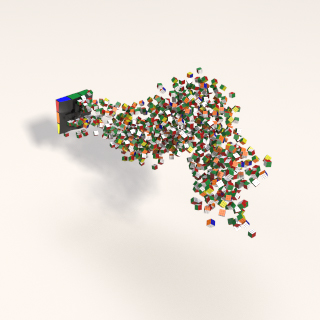
Below is the method described for attribute transfer. Click the above link for the pyro source spread method.
Particle disintegration, rendered in Redshift.
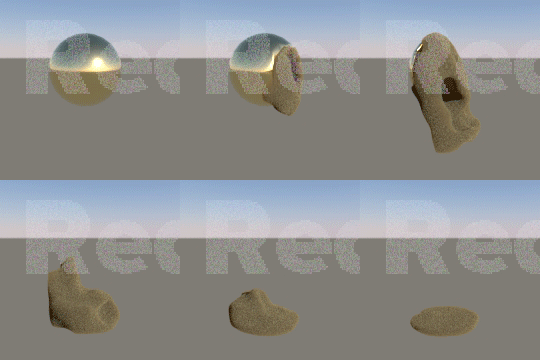
The method used to create the disintegration is described below. First, the sphere is "disintegrated" by taking another object — in this case a box — that has had noise applied (mountain), and is animated through the sphere. A color is being transferred for later use as input to a particle system.
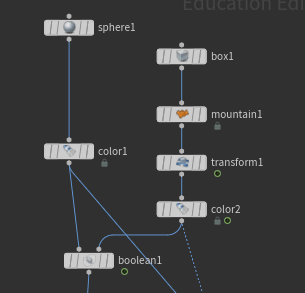
The sphere is shown below and the box object that is animated is shown to its right as separate animations.
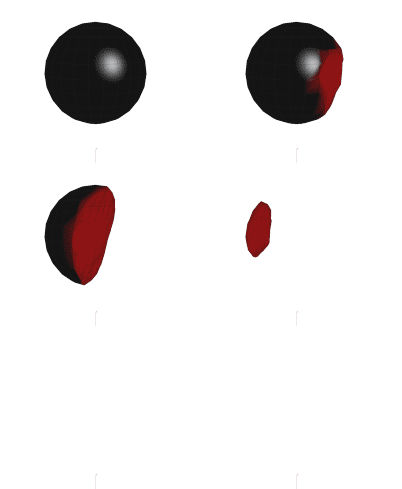
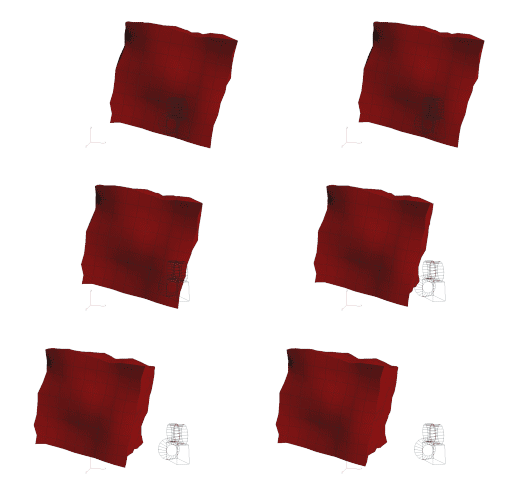
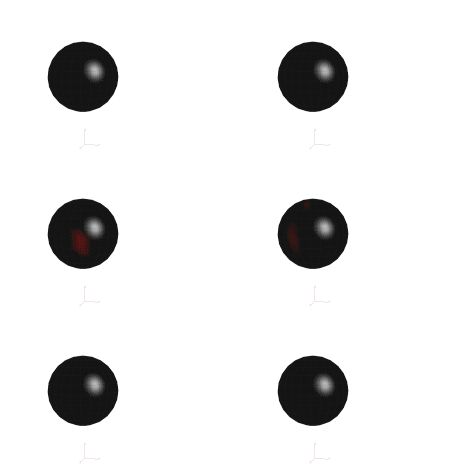
This helps visualize what is happening. In fact, we are simply transferring color onto the sphere, but it is difficult to see as shown below. This boolean'd object will be combined with the particles to give the illusion of disintegration or melting.
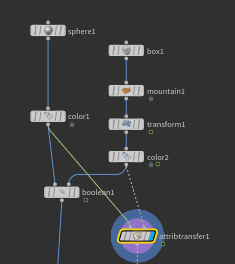
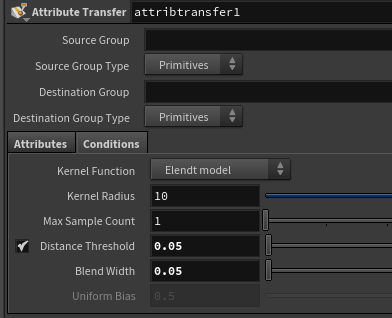
That Cd data is then used to scatter points onto the sphere.
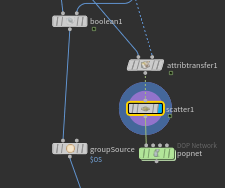
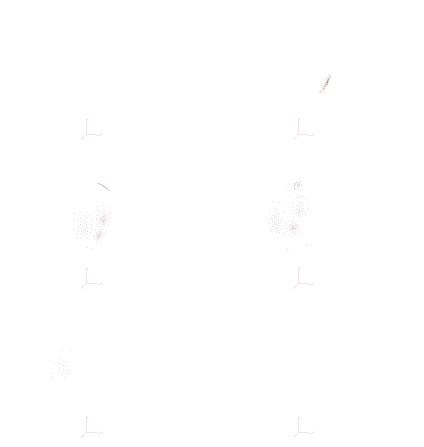
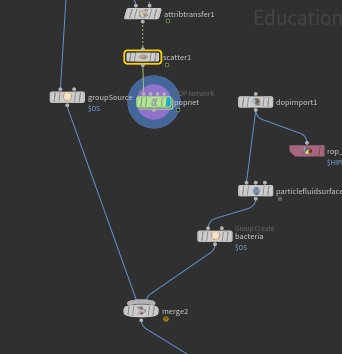
These points are then fed into a pop network (note that this is simply a dops node).
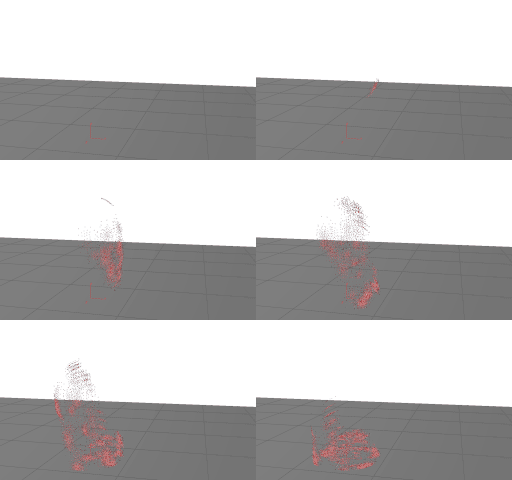
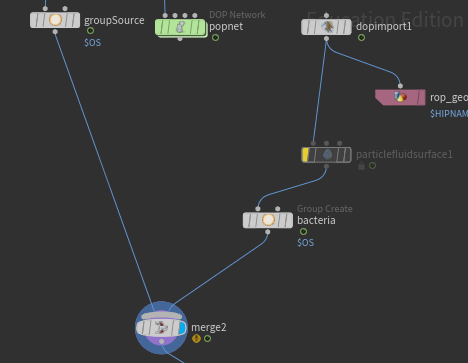
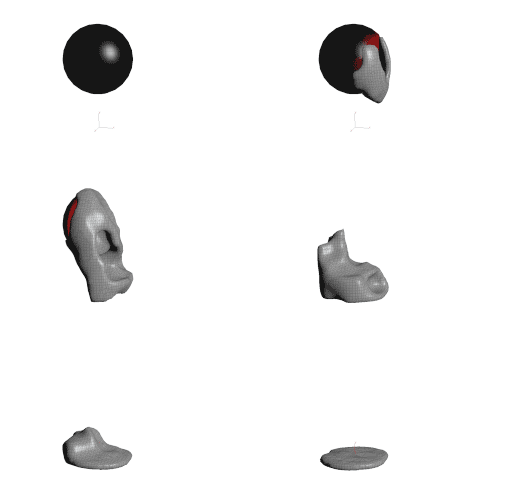
By combining this with the object that has been "boolean'd" you can create the effect of disintegration or melting. Melting is achieved by surfacing the particles using the particle fluid surface node. Note that the popnet results are imported out of the sim with a dopimport. This is good practice as you want to be able to apply materials and fetch only the particle points. The burgundy colored node is a rop node — to save time we will use this so the sim does not have to be run each time for the next step, which is to morph the object into another.
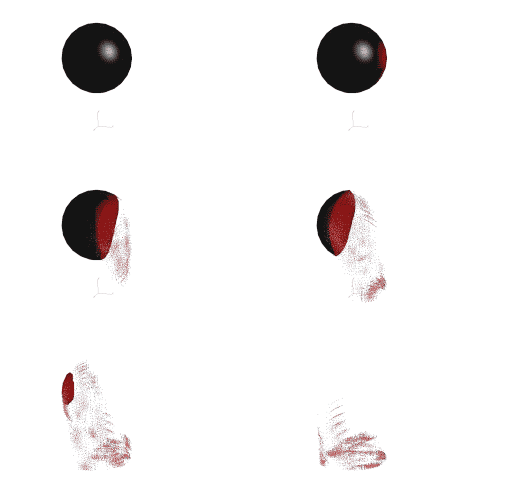
The results with particles (bypass particleFluidSurface node) and with surfacing are shown below:
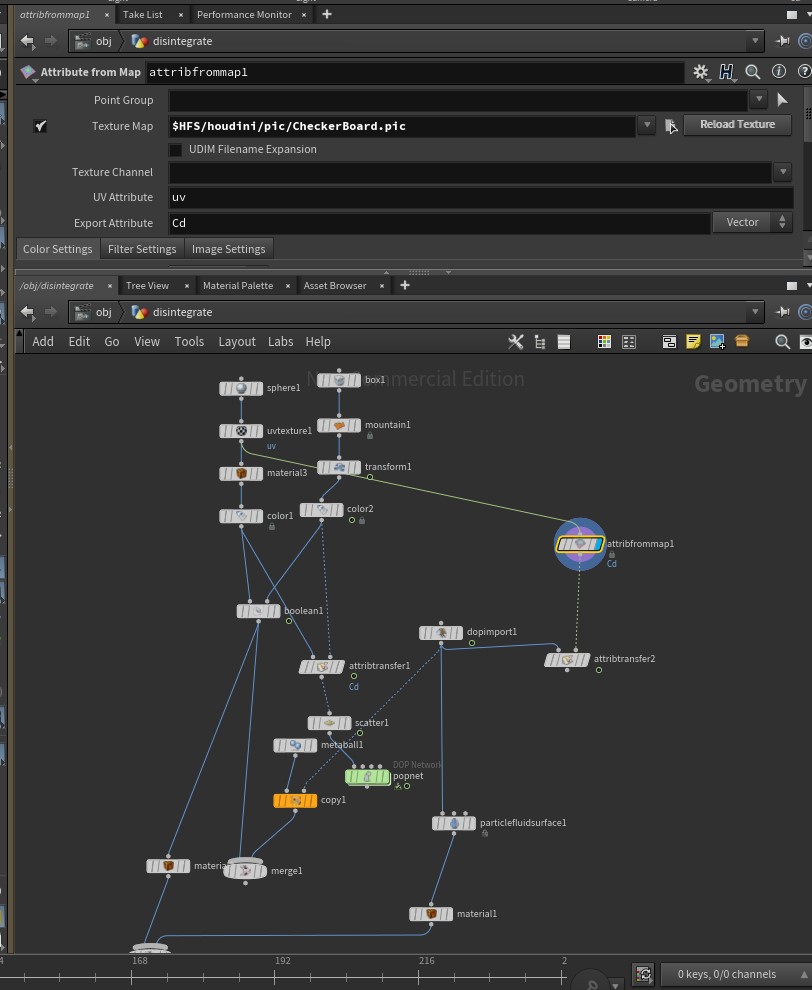
Adding color from your texture can be achieved using an attribute transfer and attribute from map node.