RBD | Bullet Collision Padding
If you have not read the RBD basics page click here
Bullet solver is designed to be fast, inherent with that speed are assumptions. We already talked about the assumption that things are "shrink wrapped" or assumed to be convex hulls. This becomes obvious when you display your geometry proxies inside the dop (don't leave those on - it takes processing time). However - there is another thing to be aware of in the calculations that won't show visually and that is COLLISON PADDING.
Particularly if you are using proper scale you may feel the need to adjust this. I created this page when a student came to me with coins going crazy as they were dropped into a bowl so I thought I'd cover multiple ways to resolve this and the inherent jittering that sometimes can occur with the bullet solver. All of these solutions are easy - so stick with BULLET!
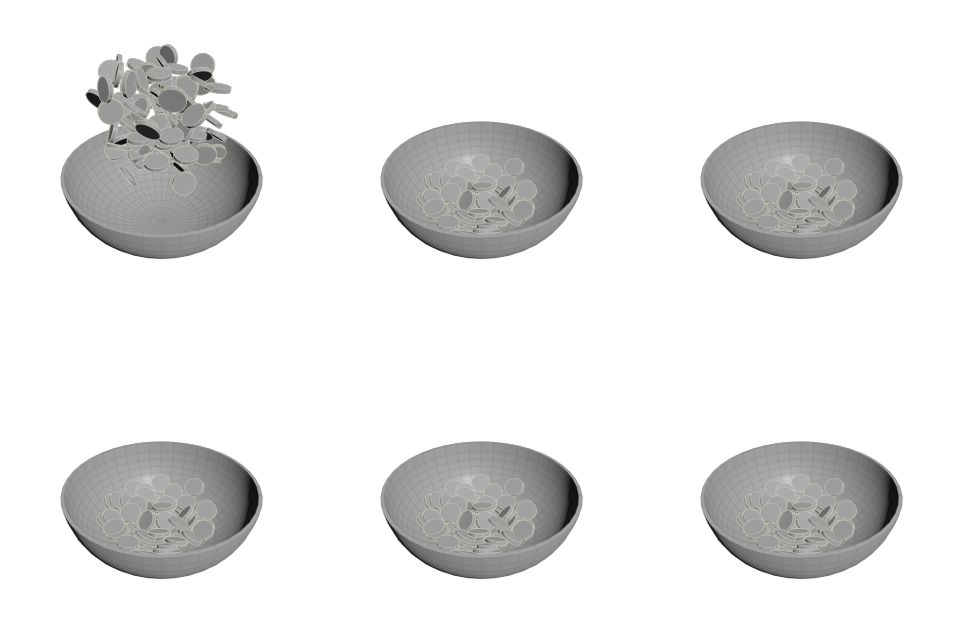
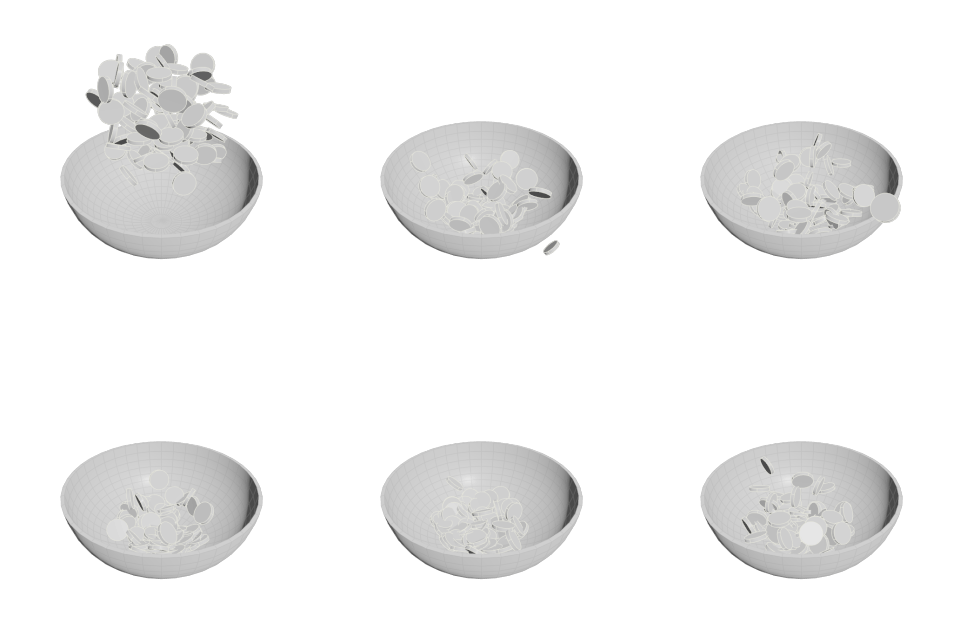
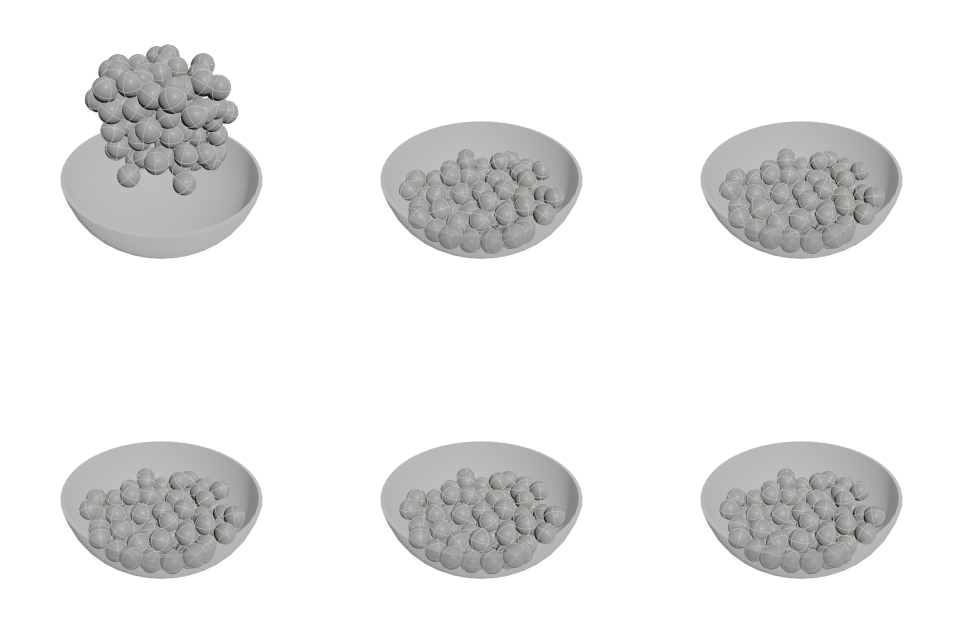
So here is the problem as presented. The coins on the left are going bonkers. Yes when I plug in a primitive sphere, it works fine. That's what gave me the clue to look at the coin.
So how do we resolve this?
- Change the Collision Padding to be more appropriate for your scene. By default, collision padding is set to .02 and in most cases this is fine. But in this case, the coin is only .015 radius - so the padding is overwhelming the size. Changing this to .001 will get rid of most of the issues. If you are simply using the RBD for layout, this resolves the issue as you can cache once they are settled to a frame you select.
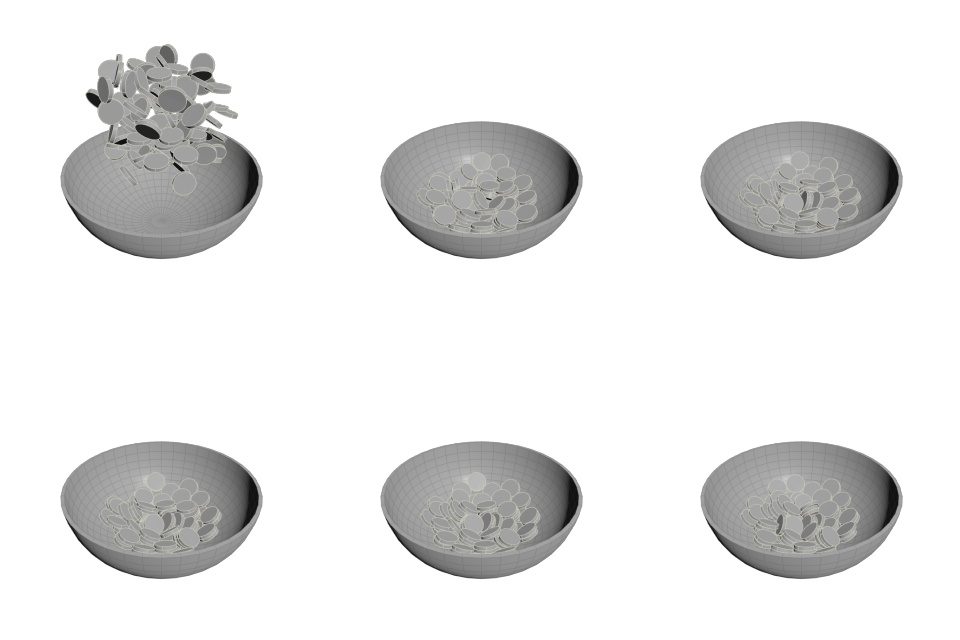
Other methods to stop the jittering are:
- increasing substeps on your solver (not always necessary)
- adjusting physical properties (remember that bounce and
friction are on both the rbd object but also collision object
such as the ground)
- adjusting the angular threshold
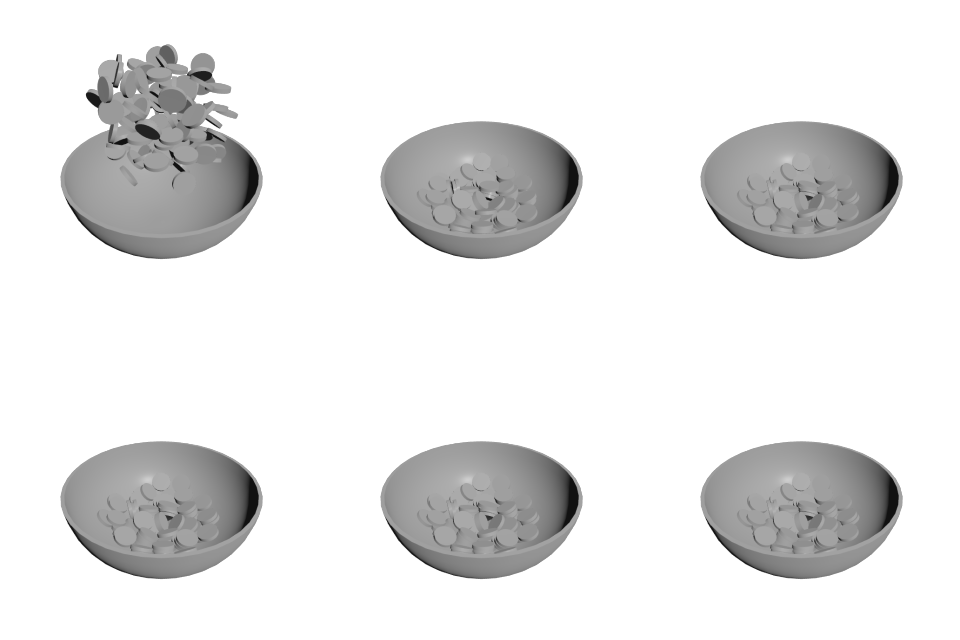
- adding a pop speed limit
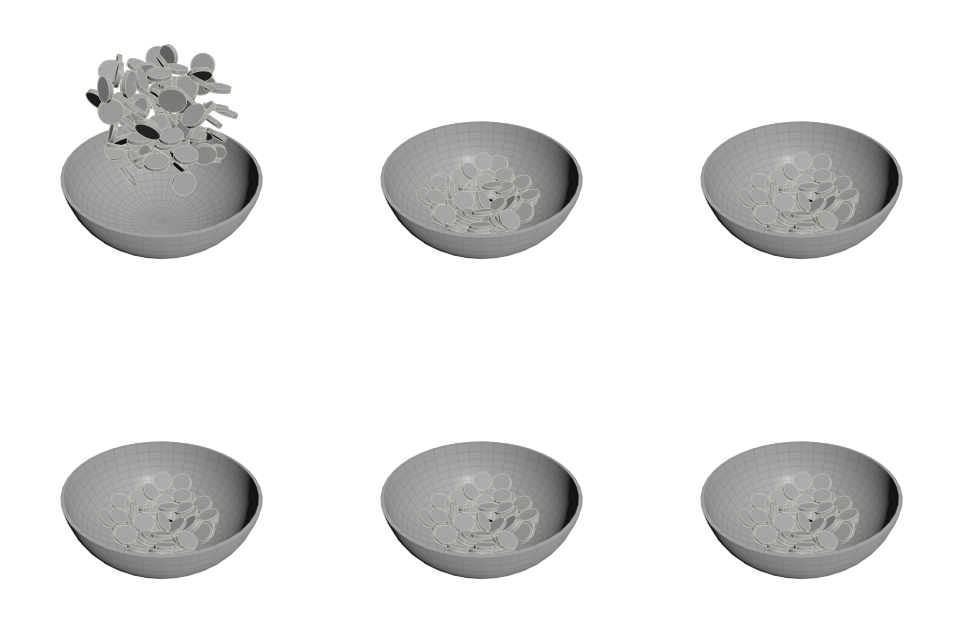
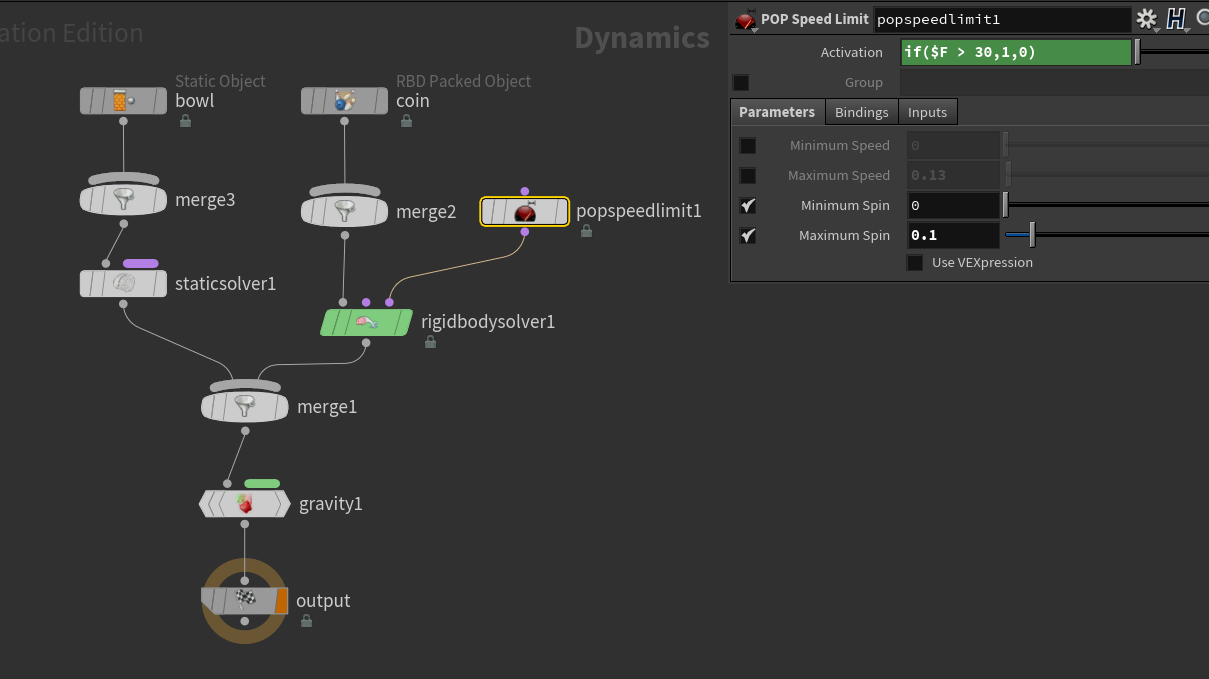
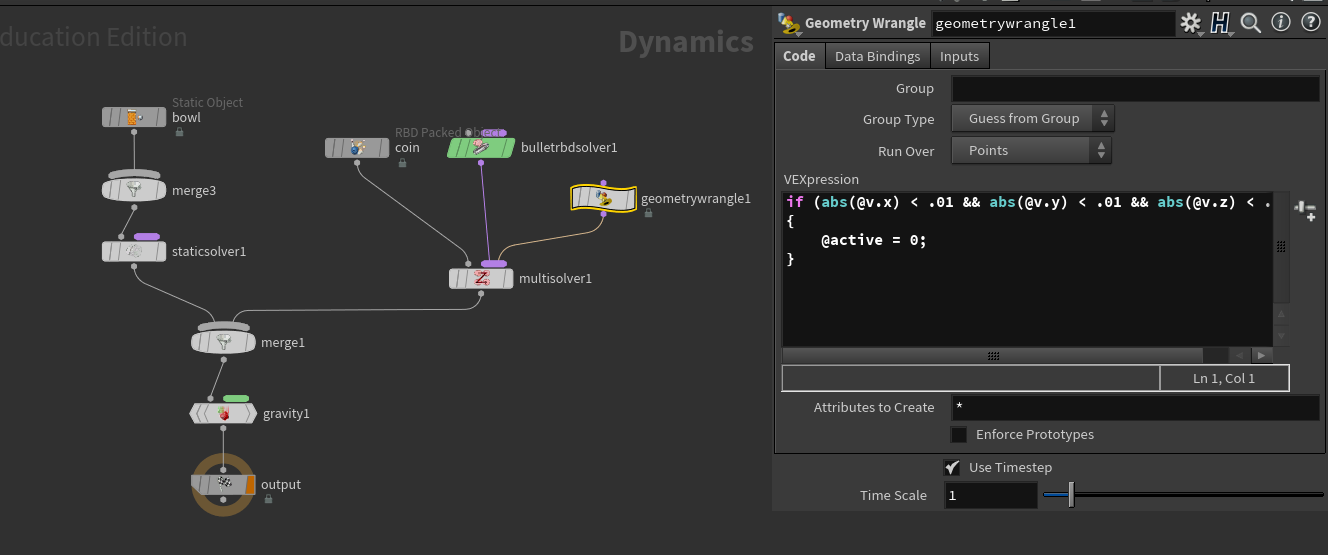
- dampening the velocity and/or angular velocity or just setting
the object to active = 0. This one used to require you to set up your
solver as a multisolver as shown below (no longer necessary, will work in the postsolve).
Alternatively in the wrangle check length(v@v) < .01 and then decrease velocity such as v@v *= .9; (or angular velocity v@w)